
Short answer
For most new commercial buildings in 2026, specify Cat6A for horizontal cabling and single-mode fibre for the backbone between floors and buildings. Use Cat6 only where budgets are tight and future speed needs are modest.
Why Cat6A has become the default
- Wi-Fi 7 access points can exceed 1 Gb/s per port; Cat6A supports 10 Gb/s over the full 100 m channel.
- Power over Ethernet now runs cameras, access points, displays and even LED lighting. Cat6A handles the heat of high-power PoE bundles better.
- Lifespan — cabling usually stays for 15 years or more, far longer than the active equipment.
Where fibre belongs
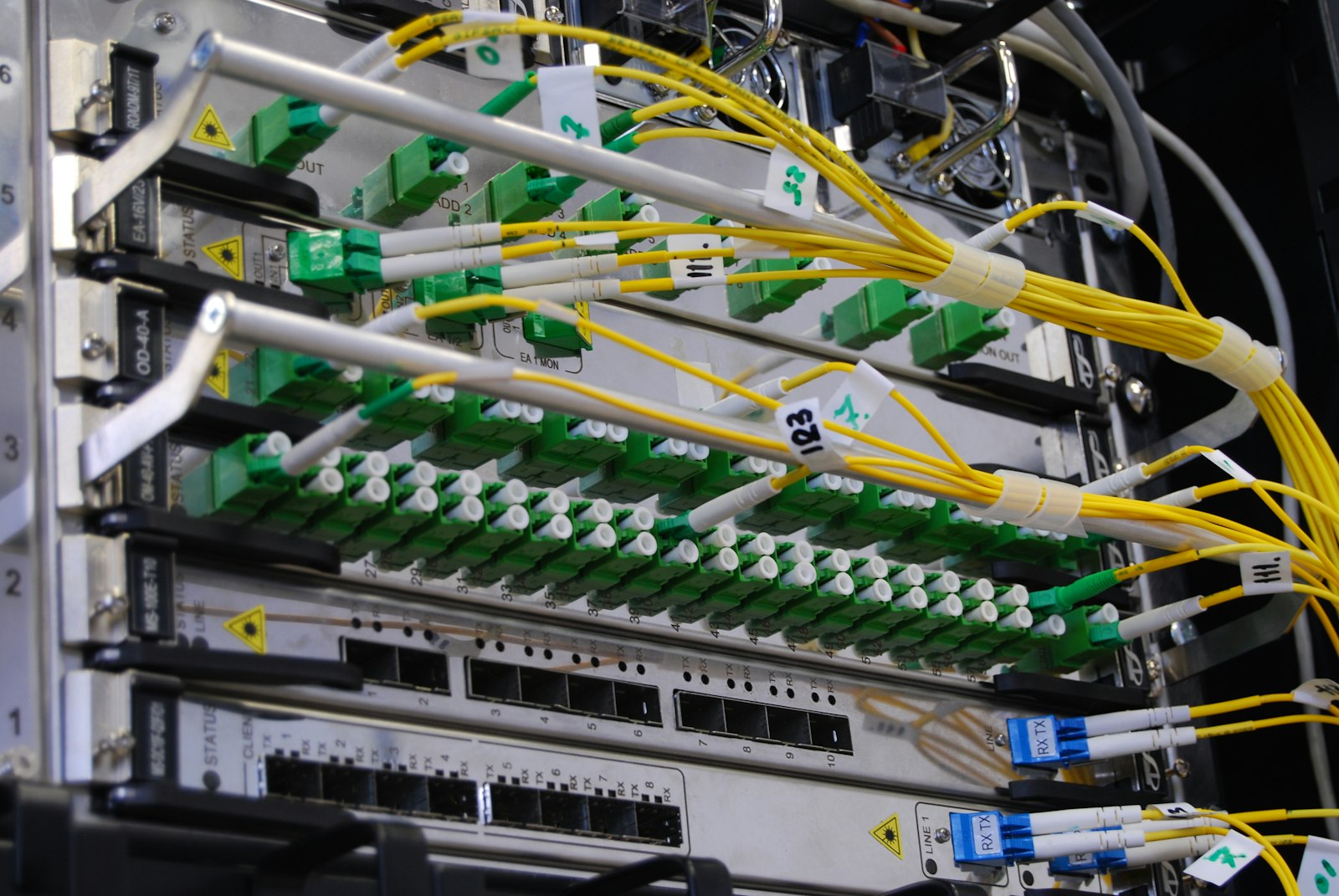
- Riser backbones and links between buildings, car parks and guard houses.
- Data centres and server rooms (often pre-terminated for speed of installation).
- Long CCTV and perimeter runs beyond copper's 100 m limit.
Don't forget control cabling
GRMS, lighting control, BMS and home-automation systems need their own control and bus cabling, planned alongside data cabling so containment and routes are shared.
Standards and testing
Design to TIA-568 and ISO/IEC 11801, test every link, and keep certified test results — manufacturers' system warranties depend on them. In Dubai and Abu Dhabi, Etisalat and du in-building guidelines also apply to telecom rooms and fibre-to-the-home.
Explore our structured cabling network services — including 35,000 Cat6A terminations at Sheikh Zayed University.
Copper categories at a glance
- Cat6: designed for 1 Gb/s to the desk; supports 10 Gb/s only over short distances. Still found in budget fit-outs, but limited headroom.
- Cat6A: supports 10 Gb/s over the full 100-metre channel and handles higher-power PoE with better heat performance. The sensible default for new offices, hotels, schools and hospitals.
- Fibre: for backbones between telecom rooms, floors and buildings, and for long runs or high-bandwidth links.
Why Wi-Fi drives the choice
Modern Wi-Fi 6E and Wi-Fi 7 access points use multi-gigabit uplinks and draw more power. Cat6A cabling to every access point position — often with two cables per location — keeps options open for future upgrades without reopening ceilings.
PoE and heat
Power over Ethernet now drives cameras, access-control readers, lighting and IoT devices. Higher-power PoE heats cable bundles, which can reduce performance. Cat6A's construction and careful bundling and pathway design help keep cables within their limits.
Fibre types
Single-mode fibre is the most future-proof choice for backbones and campus links because it supports long distances and very high speeds. Multimode (OM4 or OM5) remains common inside data centres for short, high-density links. Choose connectors and pre-terminated solutions to suit how often links will be changed.
Pathways and spaces
Cable performance depends on how it is installed. Plan containment with spare capacity, respect bend-radius limits, separate data from power cabling, and size telecom rooms with space, cooling and power for growth.
Testing, labelling and warranty
Every copper link should be certified and every fibre link tested, with results handed over alongside labelled as-built drawings. Manufacturer system warranties — often 20 years or more — depend on certified installers and complete test records.
A typical recommendation
For most new UAE commercial buildings: Cat6A to every work area and Wi-Fi position, single-mode fibre backbones between telecom rooms with spare cores, and documented, certified installation. It costs a little more today and saves considerably over the life of the building.
Frequently asked questions
Is Cat7 or Cat8 worth it for offices?
Rarely. Cat8 is designed for very short data-centre links; Cat6A is the practical choice for office and hotel horizontal cabling.
Single-mode or multimode fibre?
Single-mode is the safer long-term choice for backbones and campus links; multimode remains common inside data centres.
How long does a cabling warranty last?
Manufacturer system warranties often run 20–25 years when an accredited installer certifies and tests every link.